Local Photo Editor & Creative Design Tool
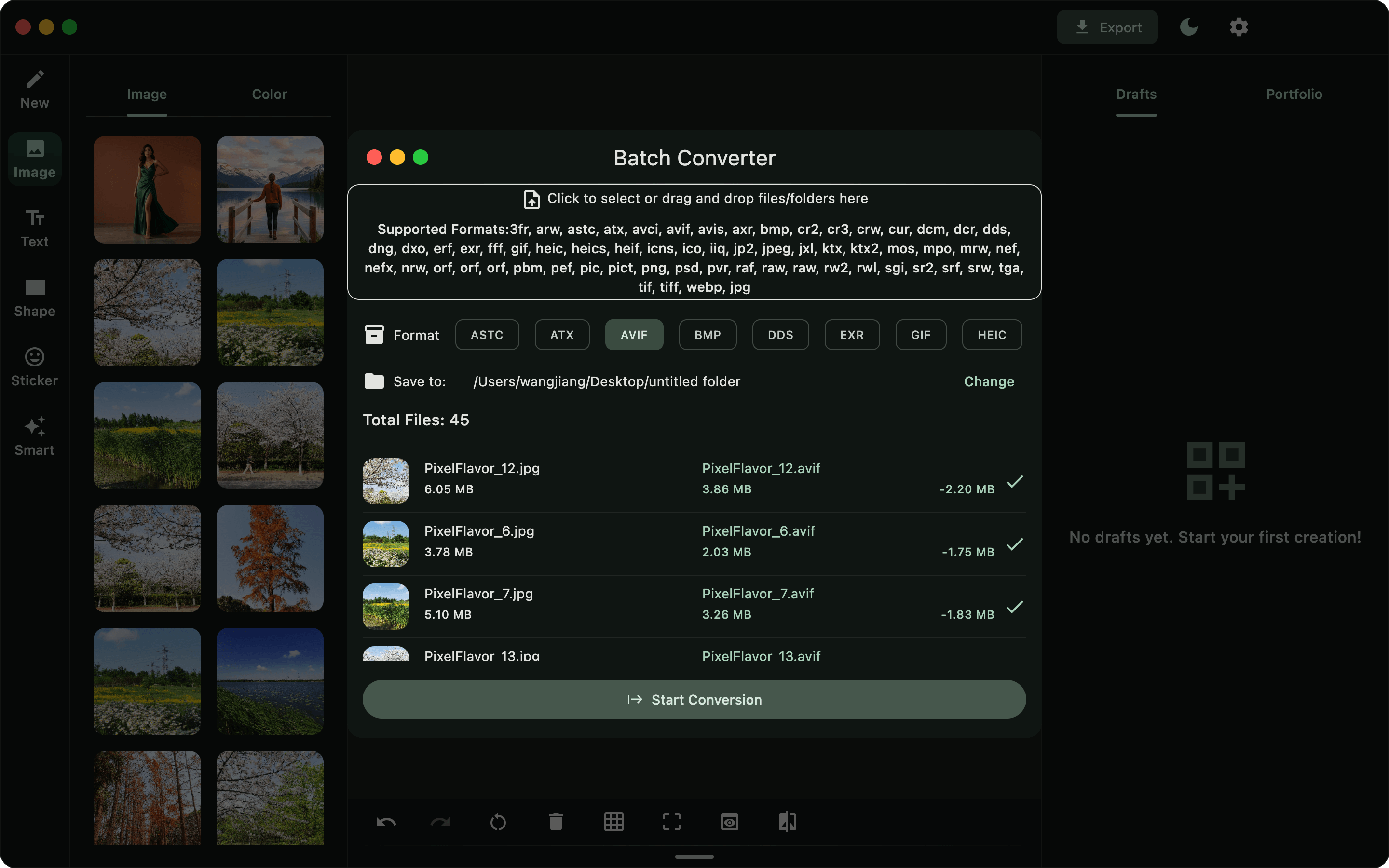
Pixel Flavor is a powerful desktop image editing application that combines photo editing, typography layout, and local AI tools into one. Effortlessly edit photos, add text, enhance image quality, remove backgrounds, and craft stunning visual designs with fast, secure offline processing.
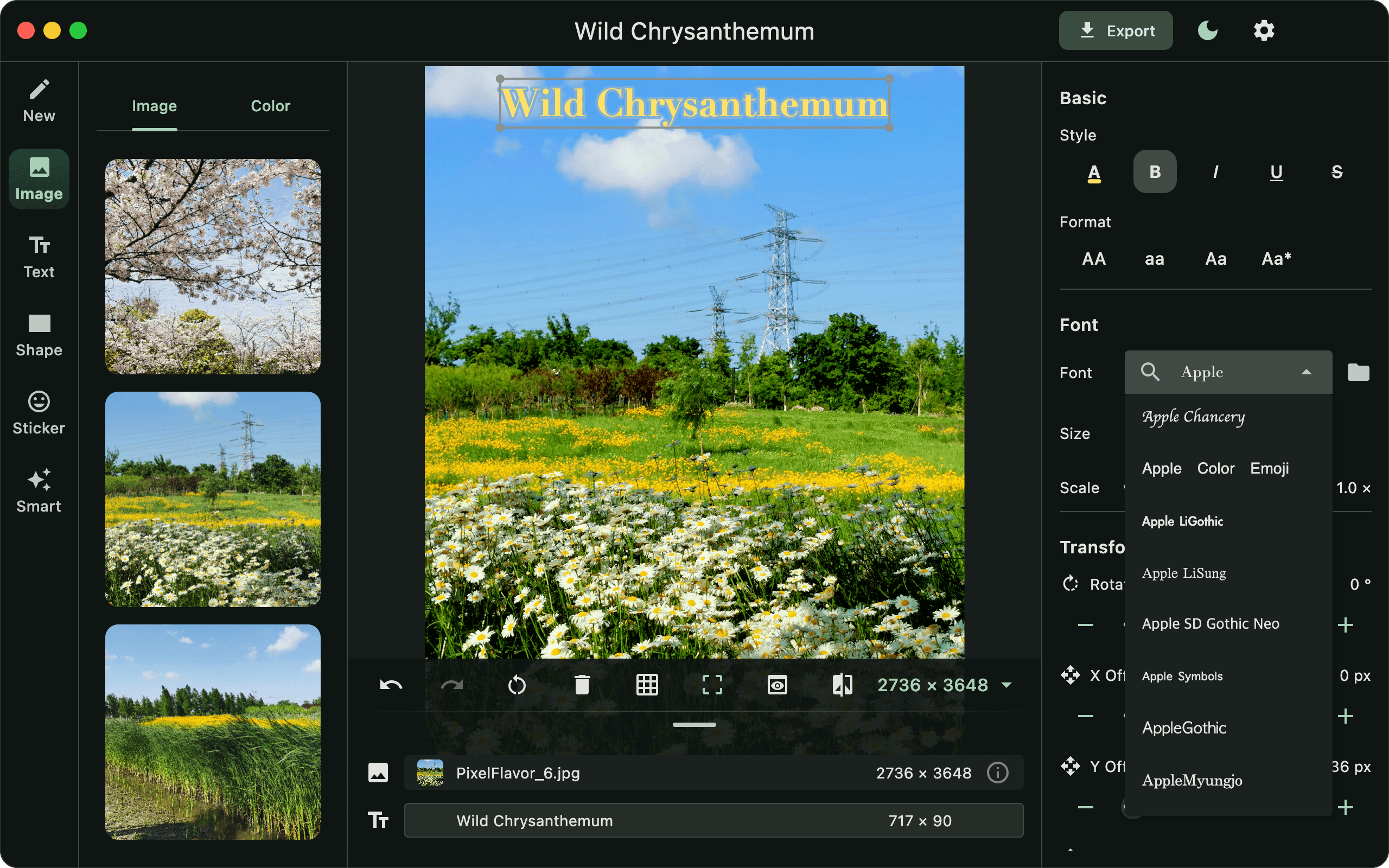
Text & Layer Management
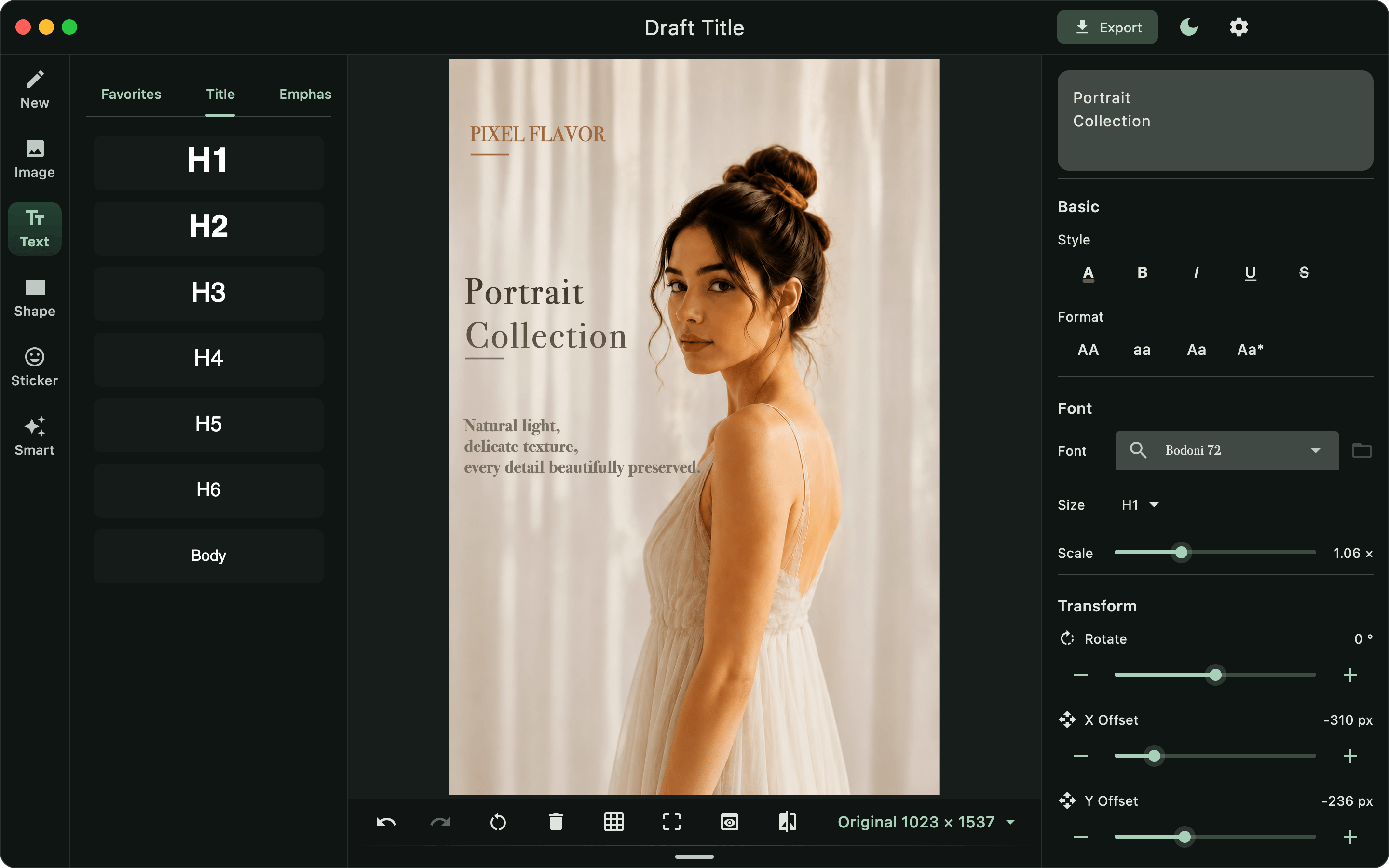
Control alignment, line spacing, and letter spacing. Stack multiple images and texts with full multi-layer drag-and-drop support.
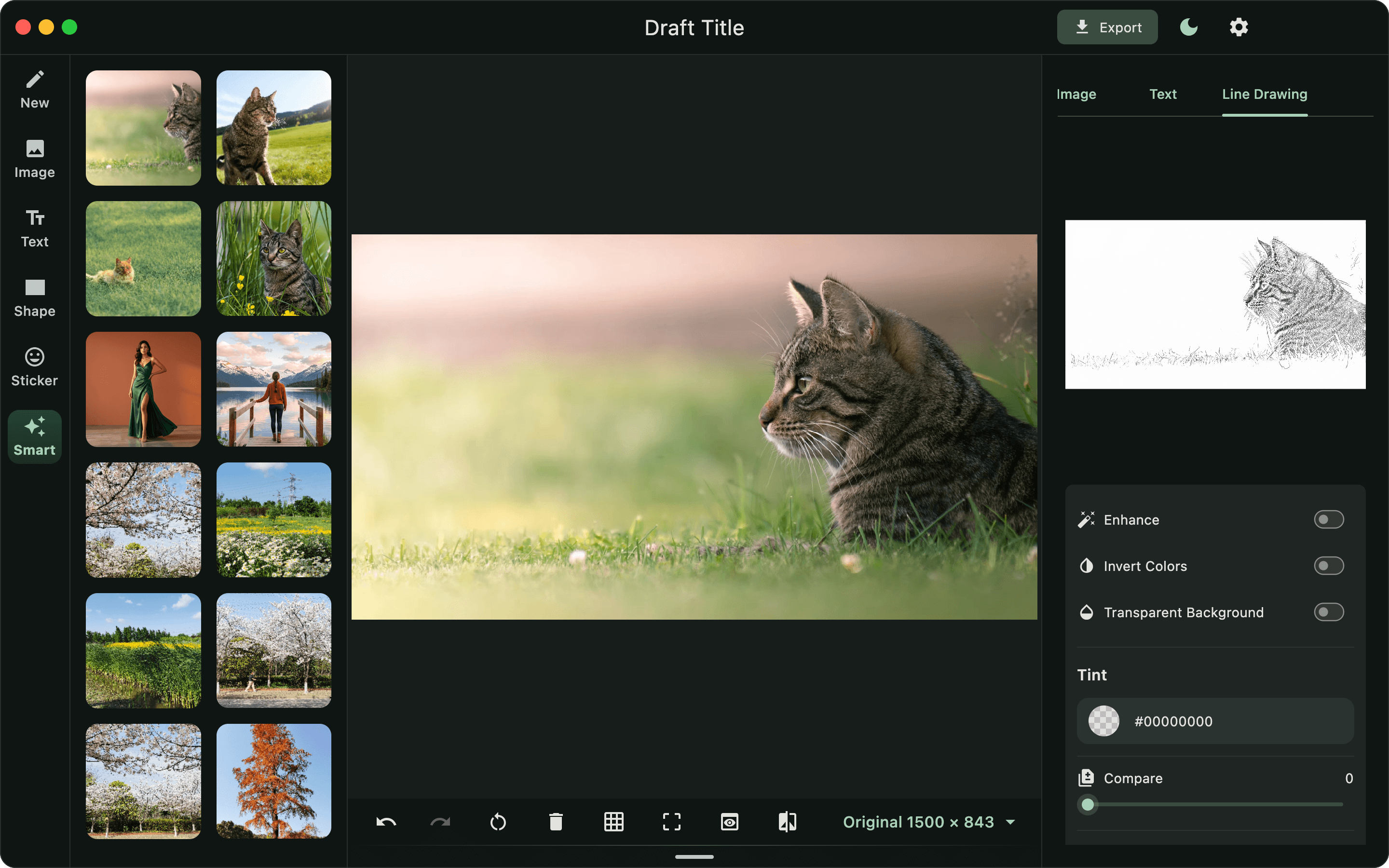
On-Device AI Upscale, Matting & Line Art
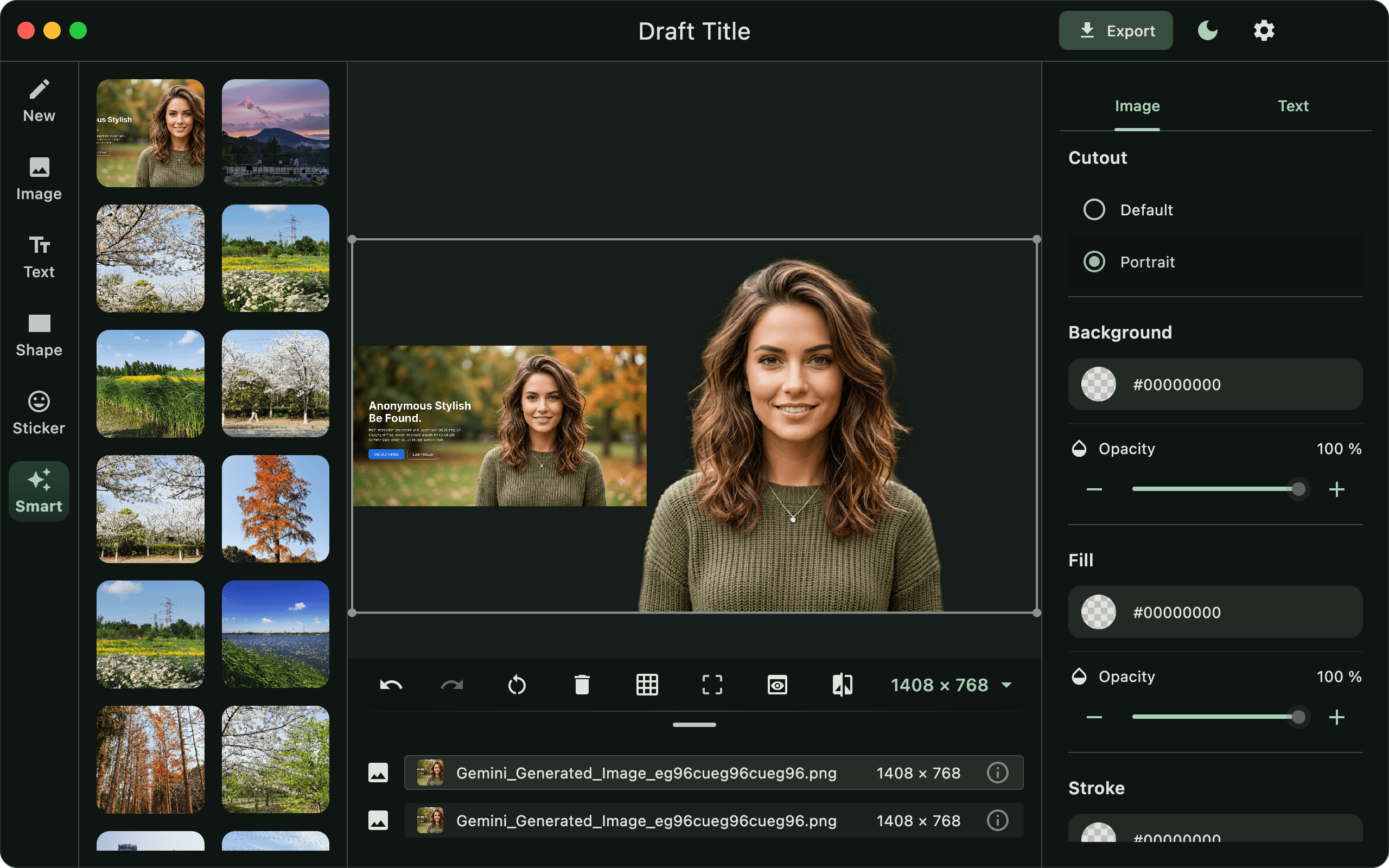
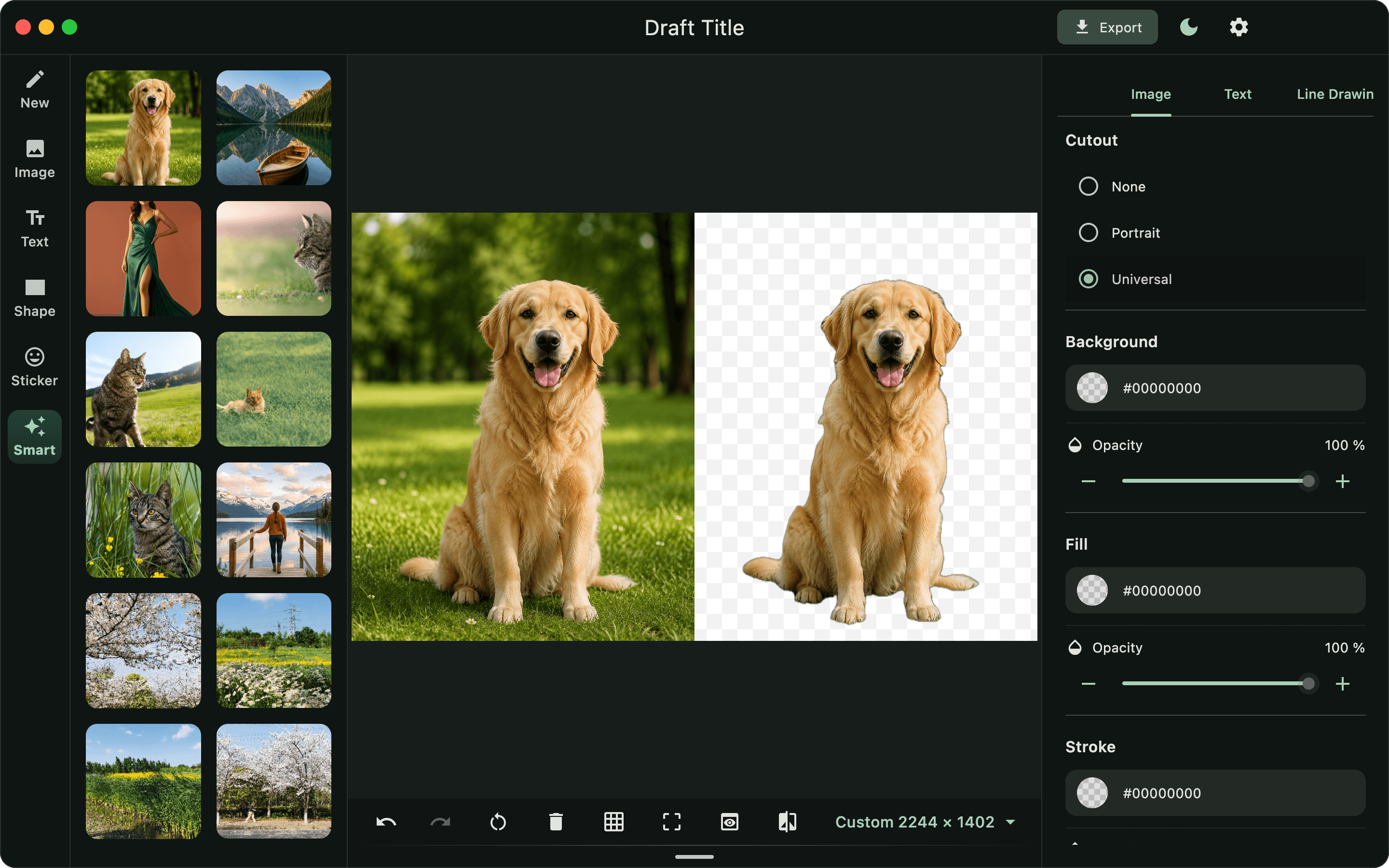
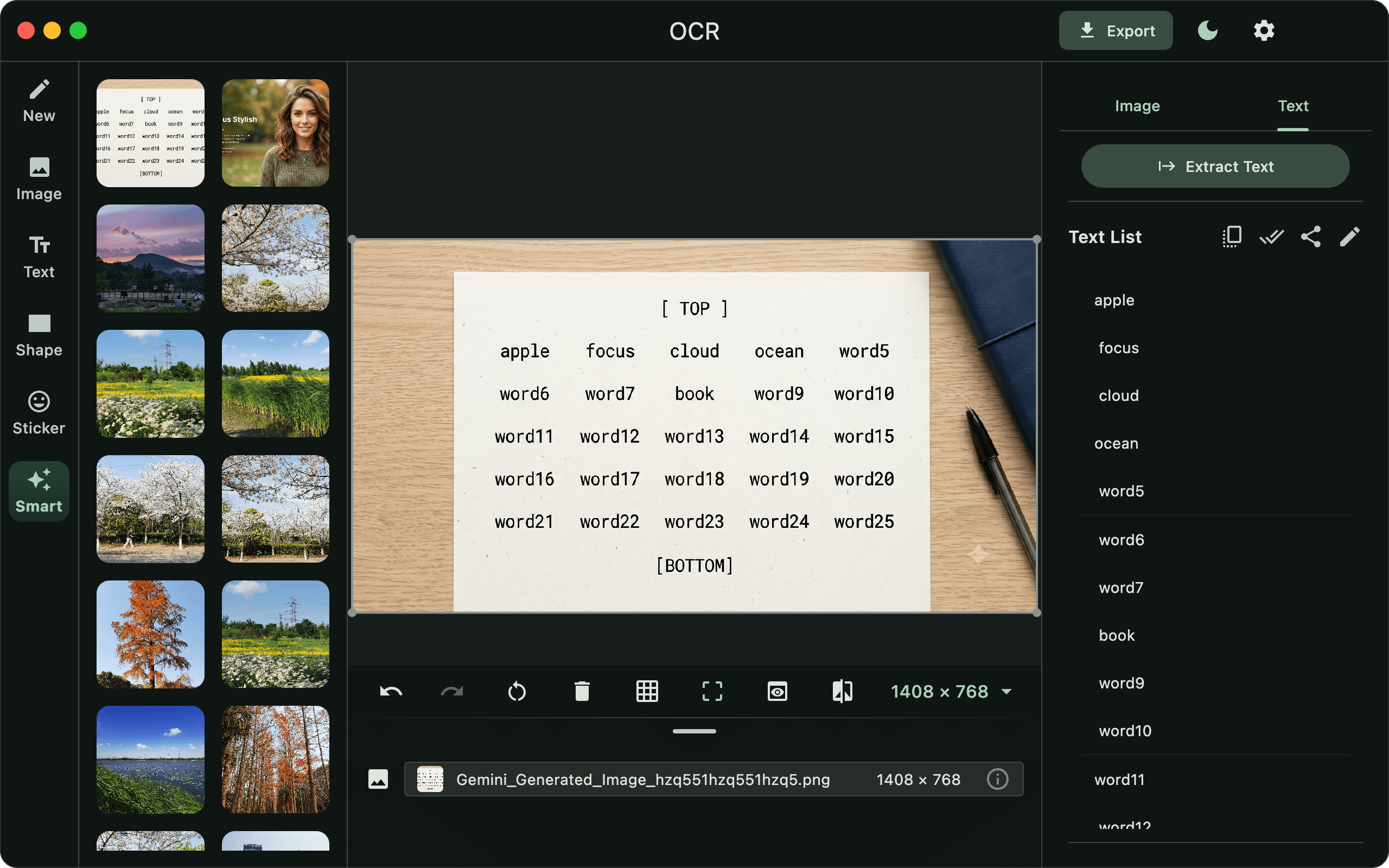
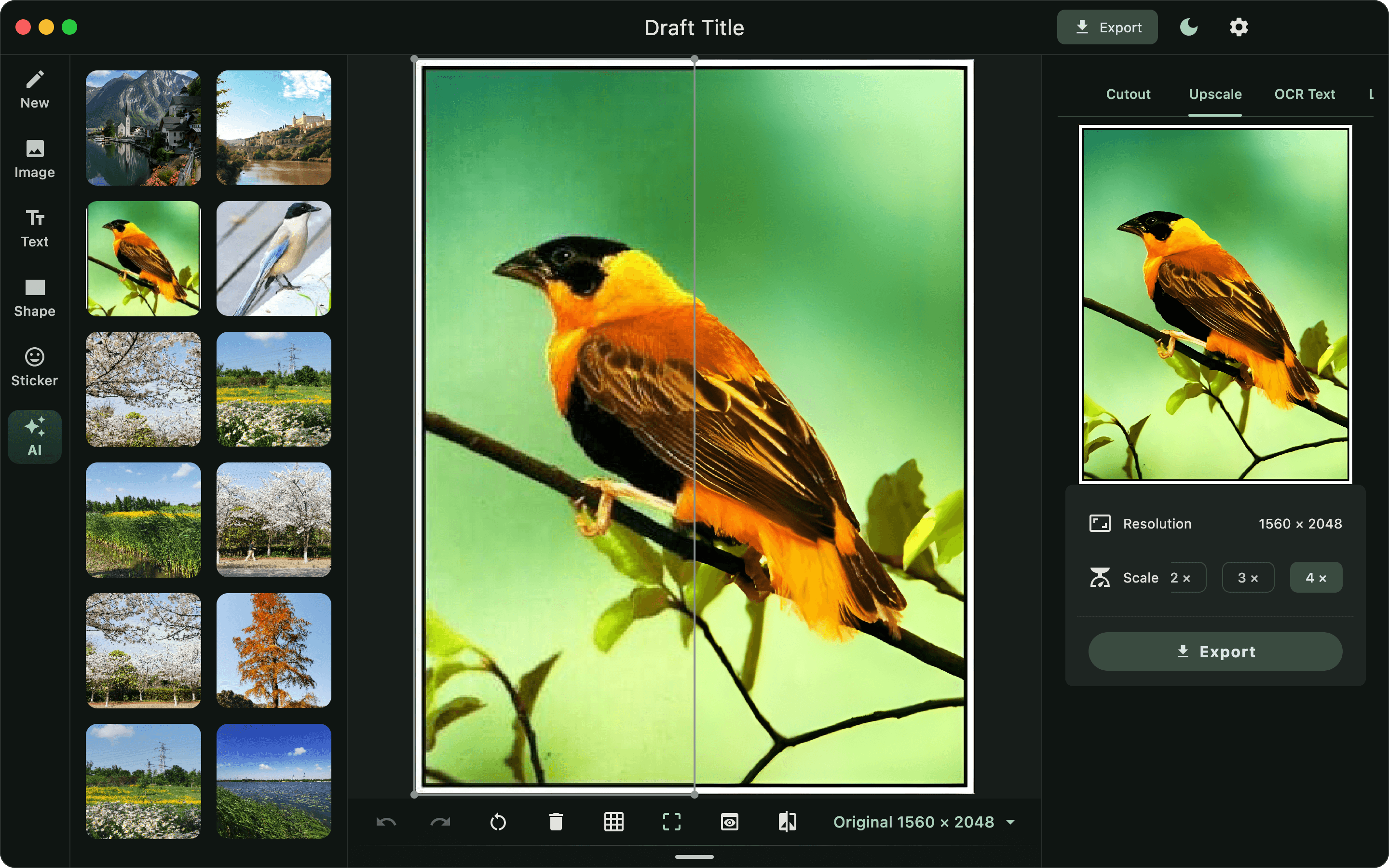
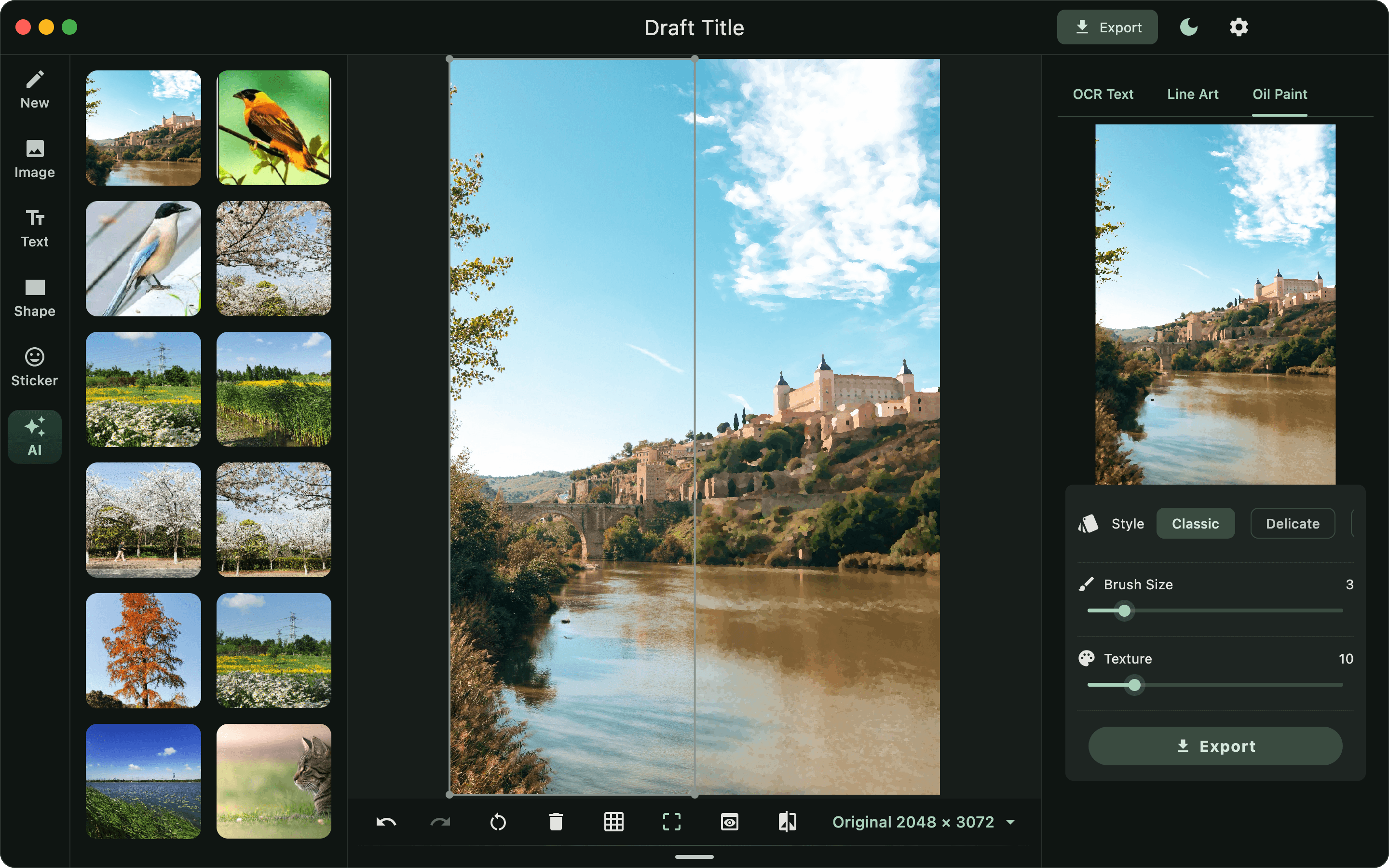
Upscale photos up to 4X, extract text, transform images into oil paintings, generate crisp line art, and remove backgrounds—all processed 100% locally on your machine.
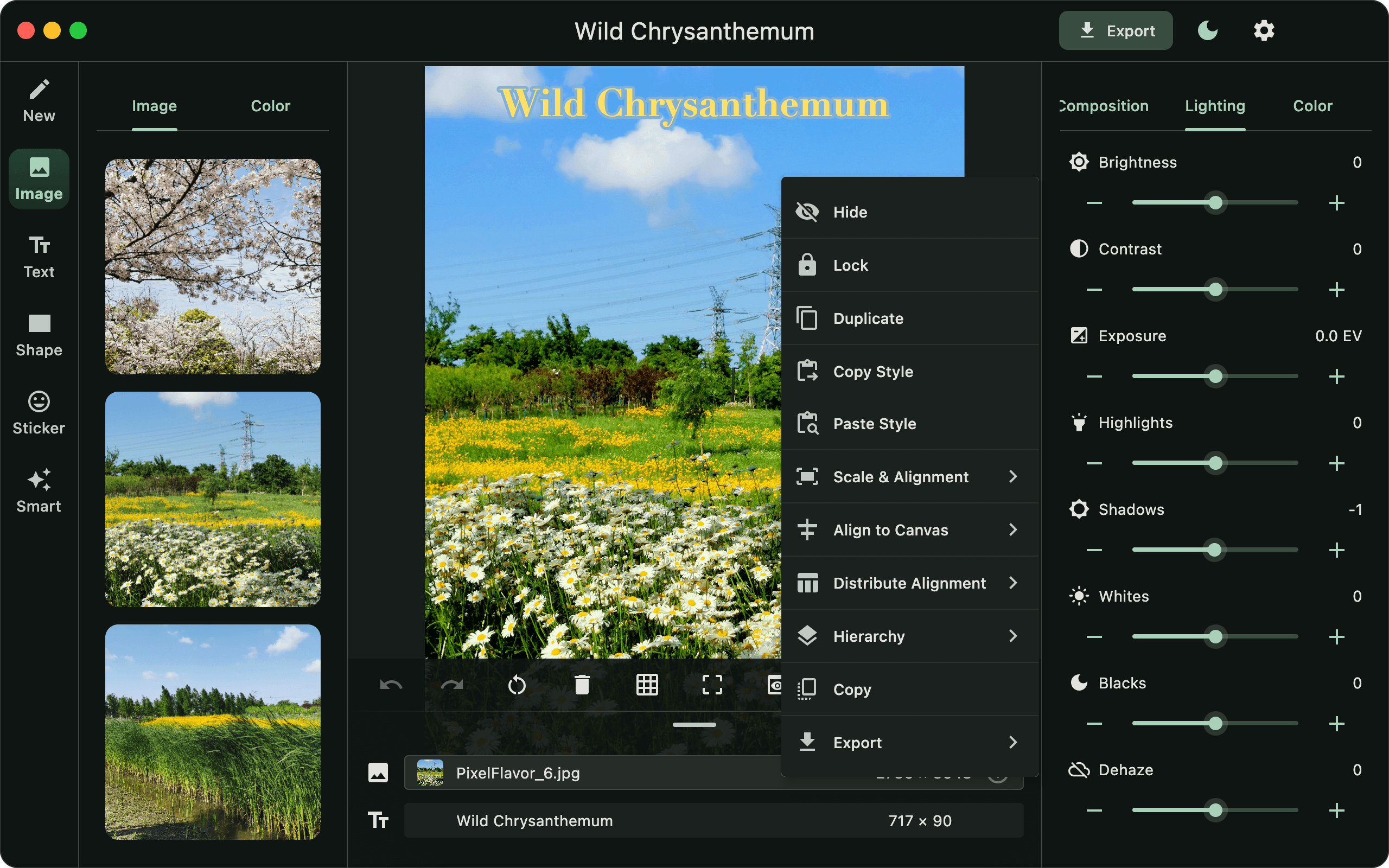
Light, Color & Texture Control
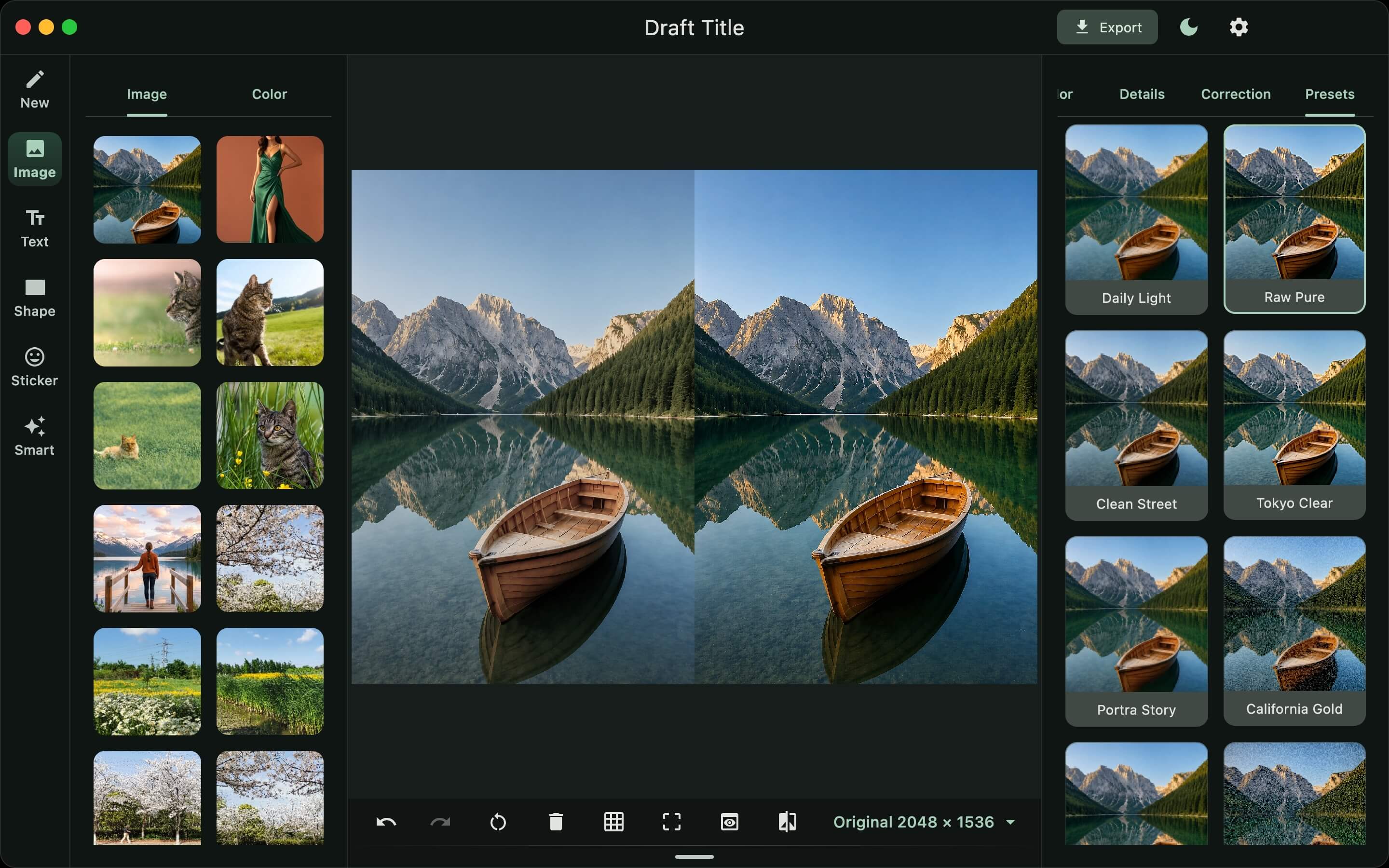
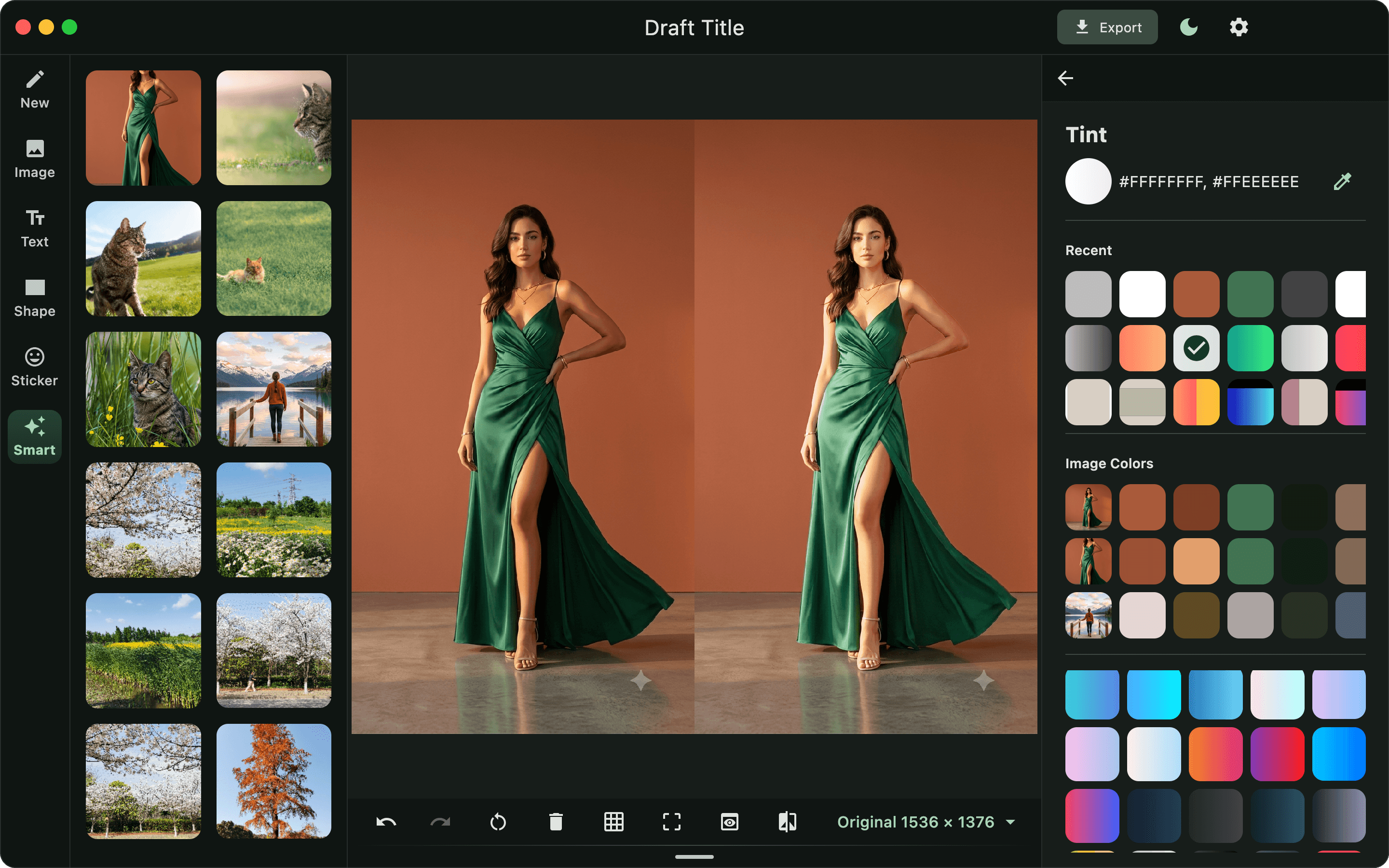
Adjust exposure, curves, and tonal levels directly on the canvas; finely control temperature, saturation, and color balance; and freely tune clarity, denoise, and film grain texture.
Offline Local Processing
Zero cloud servers, zero mandatory accounts, and zero telemetry tracking. All rendering and data storage remain strictly on your hard drive.
Get Pixel Flavor

Pixel Flavor strictly respects your privacy. All operations and image rendering are performed locally on your machine with zero cloud dependency and zero data telemetry.